A report with a clear reading order
The PDF begins with an agency, client and case summary, then groups the evidence by requirement. Page and packet references help keep the document understandable when it spans several pages.
Bring the property, policy and reviewed evidence into a polished PDF. Download the packet with its original attachments, then use the carrier’s normal delivery channel.
US$29/month for your agency. Five staff included.
No credit card required. No automatic charge.
Use Coverstride alongside your existing AMS. It does not currently synchronize with that system. Your agency reviews the evidence and sends packets through the carrier’s usual channel.
Keep the agency’s work queue and the client’s checklist connected.
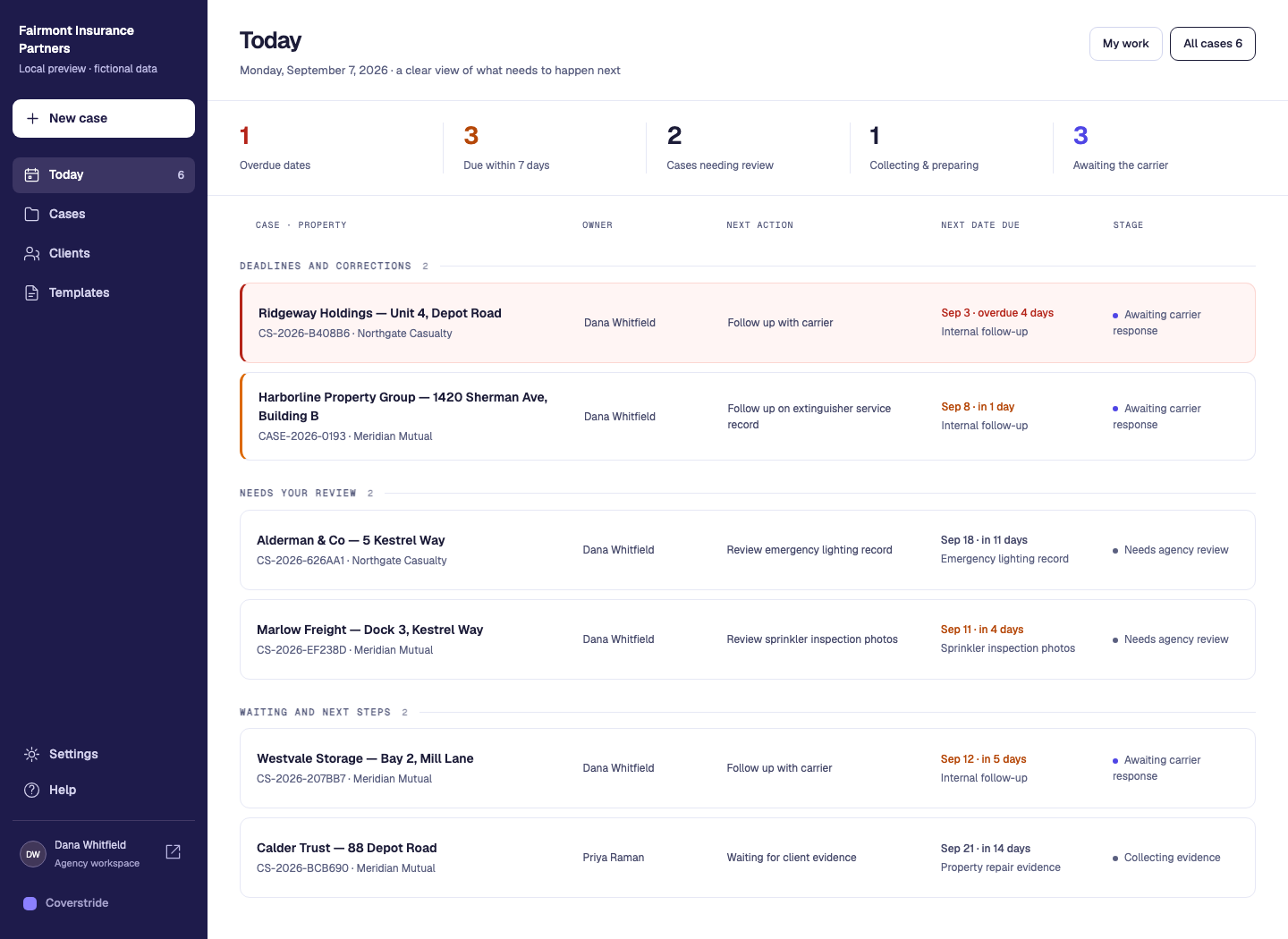
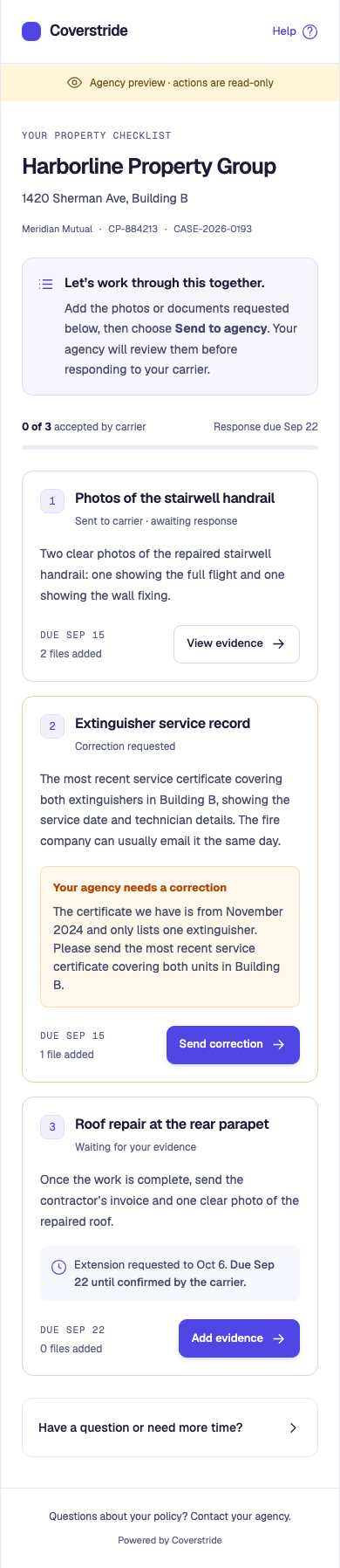
After the client has gathered the evidence and the agency has reviewed it, assembling a response should preserve that work. A clear summary and an attachment index help a recipient match the evidence to the requested corrections.
Give the carrier a clear map of the evidence you are sending. Use this outline for a case summary, requirement status and attachment index, then follow the carrier’s own submission instructions.
Read the guide below, copy the blank template or download an editable text file. Replace the placeholders and review it before sharing.
Record the agency, client, property, policy or carrier reference, preparation date and response version. Keep a copy of exactly what is sent rather than continually replacing an earlier response.
Separate the evidence included now from outstanding items and any previously confirmed carrier response. A partial response should identify its gaps clearly rather than imply the entire notice is resolved.
For each original file, record its requirement, evidence description and file name. Check that the index matches the actual attachments and that the intended reviewed versions are included.
Use the carrier’s required portal or email process, including its file limits and required fields. Record the delivery date/reference and subsequent reply. A prepared PDF is not proof of delivery or acceptance.
Fictional response for 84 Sample Road, version 1: R1 handrail evidence is included; R2 service documentation remains outstanding. These names illustrate an index, not an exact Coverstride export naming format.
| Requirement / state | Included evidence | Attachment reference |
|---|---|---|
| R1 · included for review | Handrail contractor invoice | R1-handrail-invoice.pdf |
| R1 · included for review | Overview and detail photos | R1-handrail-overview.jpg; R1-handrail-detail.jpg |
| R2 · outstanding | Service certificate still requested | No attachment in this response. |
Copy and edit this text. The download contains the same blank template; neither option requires signup.
INSPECTION FOLLOW-UP RESPONSE OUTLINE
Agency / prepared by: [ ]
Client / property: [ ]
Policy / carrier reference: [ ]
Notice / carrier response deadline: [ ]
Prepared date / response version: [ ]

REQUIREMENT SUMMARY
Reference: [ ]
Requested correction: [ ]
Evidence included now: [ ]
Still outstanding / next action: [ ]
Previously confirmed carrier response, if any: [ ]

ATTACHMENT INDEX - repeat for each original file
Requirement reference: [ ]
Evidence description: [ ]
File name / reviewed version: [ ]

DELIVERY RECORD
Channel / sent by / sent date: [ ]
Delivery reference: [ ]
Carrier reply / reply date: [ ]
Confirmed outcome / next action: [ ]

Check the carrier's submission instructions. This outline does not
replace required carrier forms or guarantee acceptance.
The agency stays in control of the instructions, review and carrier response.
Prepare a response from the file versions selected for the case. Included evidence, outstanding requirements and previously accepted items are kept distinct.
Open the PDF for review, or download the PDF and original attachments together. Photo and first-page document previews help orient the recipient; complete originals remain in the download.
Send through the carrier’s portal or email. Record the delivery in Coverstride, then capture the carrier’s actual response when it arrives.
Turn reviewed photos and documents into a polished PDF packet, with every attachment matched to the right checklist item.
Clear case details, labelled previews and outstanding work, brought together in one document.
Consistent names based on the requested evidence, with the original photos and documents included.
Each packet preserves the file versions you reviewed. Later uploads don’t change an earlier packet.
Send through your carrier’s usual portal or email, then record the delivery in Coverstride.
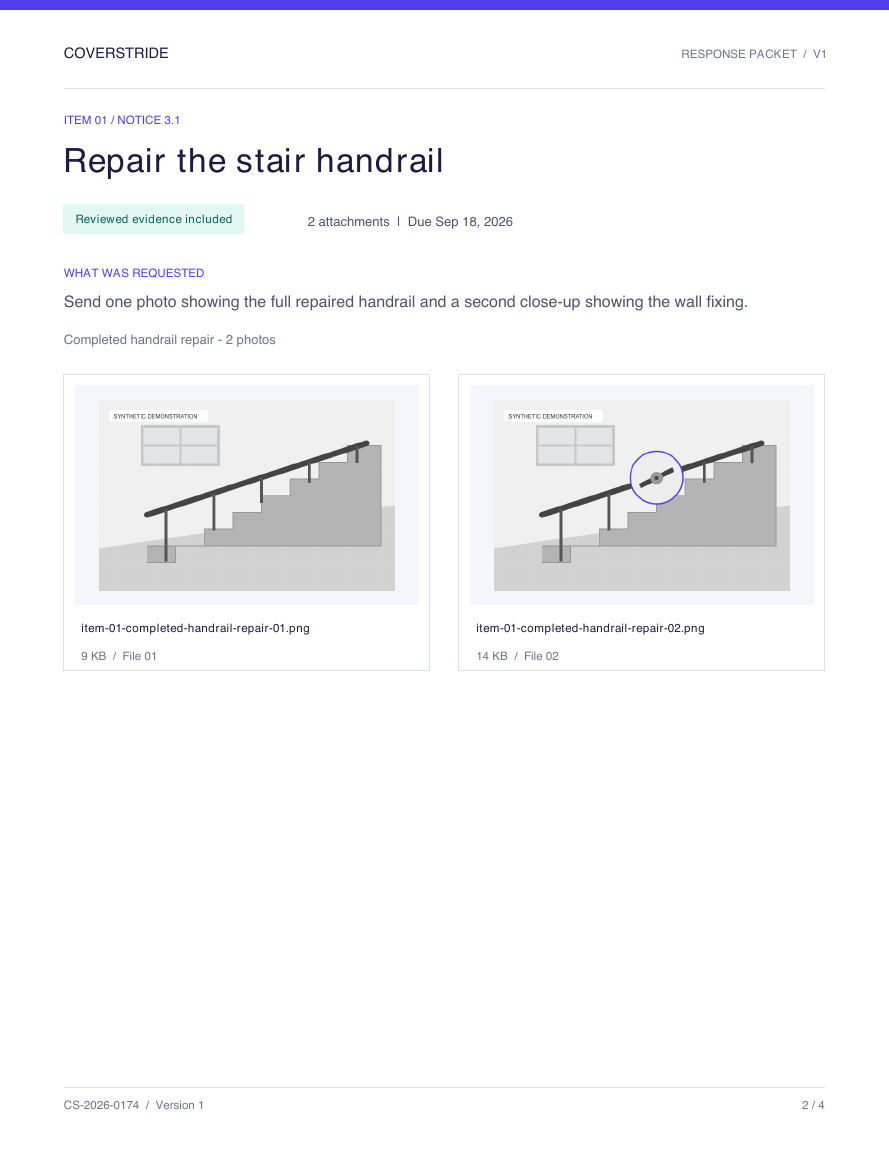
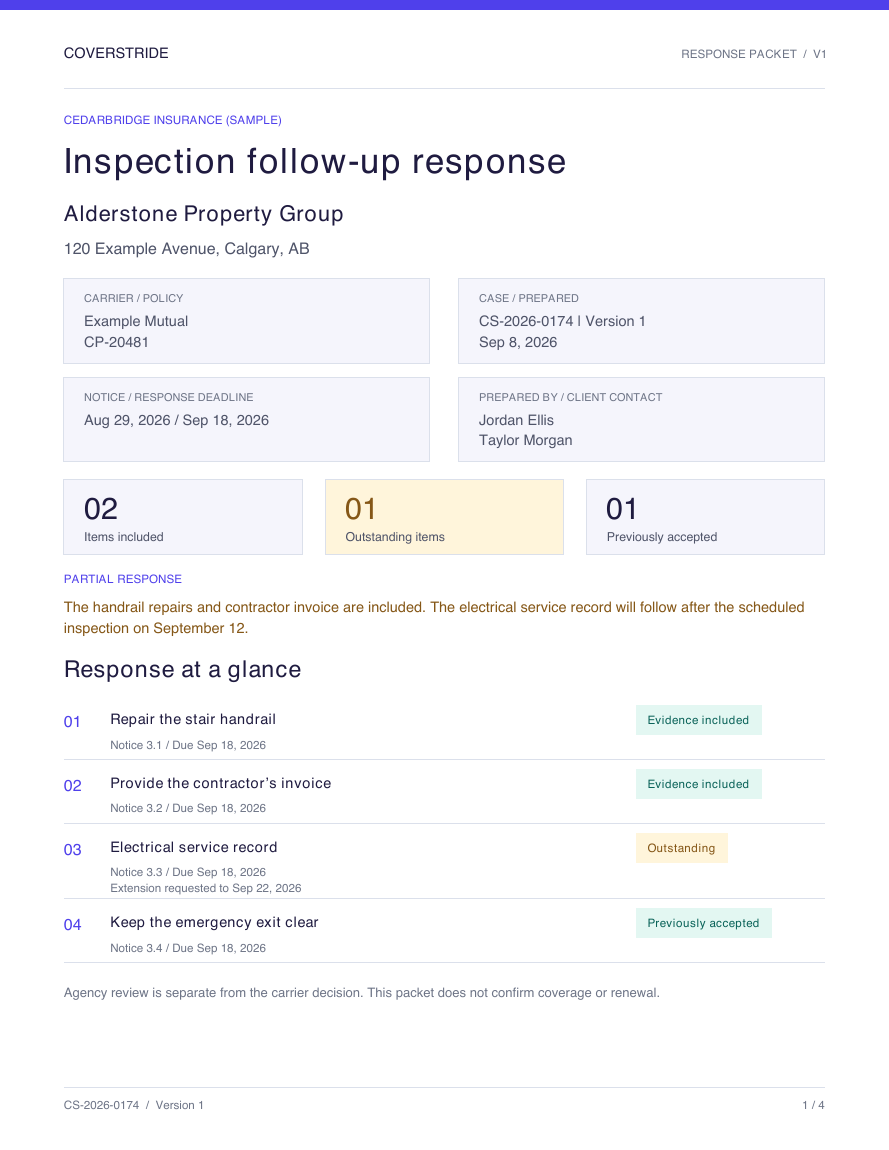 Actual Coverstride export
Use these tools in your agency workspace. The examples on this page use fictional cases.
The PDF begins with an agency, client and case summary, then groups the evidence by requirement. Page and packet references help keep the document understandable when it spans several pages.
Generated filenames identify the checklist item and evidence request. Odd or inappropriate upload filenames do not become the names the carrier receives.
The prepared packet preserves its selected file versions. A later upload does not silently replace an attachment in an earlier response.
Understand where Coverstride fits before you change how your team works.
Yes. The sample PDF on this page was generated by Coverstride’s current exporter. Its agency, client, photos and documents are fictional.
No. Your agency downloads it, sends it through the carrier’s chosen channel and records the delivery. Preparing the packet alone does not send it.
The report uses a first-page preview for a PDF attachment. The complete original document is included separately in the PDF-and-original-files download.
See the details that matter at each step, with practical examples from Coverstride’s workflow.
Collect repair photos, contractor invoices and certificates against named insurance requirements. Review evidence, request corrections and keep original files connected.
Explore this workflowDaily follow-upUse a free inspection deadline tracker, extension-request template and response log. Keep client targets, carrier deadlines and confirmed extensions clear.
Explore this workflowAgency operationsOrganize commercial-property inspection follow-up with case-specific requirements, client evidence, agency review and recorded carrier responses in Coverstride.
Explore this workflowStart a 30-day free trial with no credit card. Have a question first? We’re here to help.